A Hobbyist's Guide to Pedal PCB Design
A video series designed to guide hobbyists through their first steps in PCB design, with 9 hours of structured content.
This course teaches you how to design guitar pedals from the PCB up. You will learn everything you need to know about designing PCBs for your own breadboarded schematics, as well as for those famous pedals you have always wanted to recreate. We also take it a few steps further by covering everything you need to know to plan and design the pedal itself that houses the PCB.
"I'm not one to leave comments, but this really is one of the best tutorials ever if you're new to pedal design. I recently just bought this course and went through all the steps and now I can work on my pedals till my head spins. The hump of learning KiCad is now over. I highly recommend it."
– _JadenMoore2201_
What you'll learn in this guitar pedal PCB design course
The lessons focus on real pedal workflows: enclosure fit, control placement, drill templates, surface-mount options, PCB faceplates, and layouts that are ready to build.
Design PCBs that actually fit your pedal
Most PCB courses teach general concepts, often starting with simple examples like lighting an LED. This course is different. It teaches you how to design guitar pedal ready PCBs with enclosure fit, control placement, and real-world buildability considered from the very start.
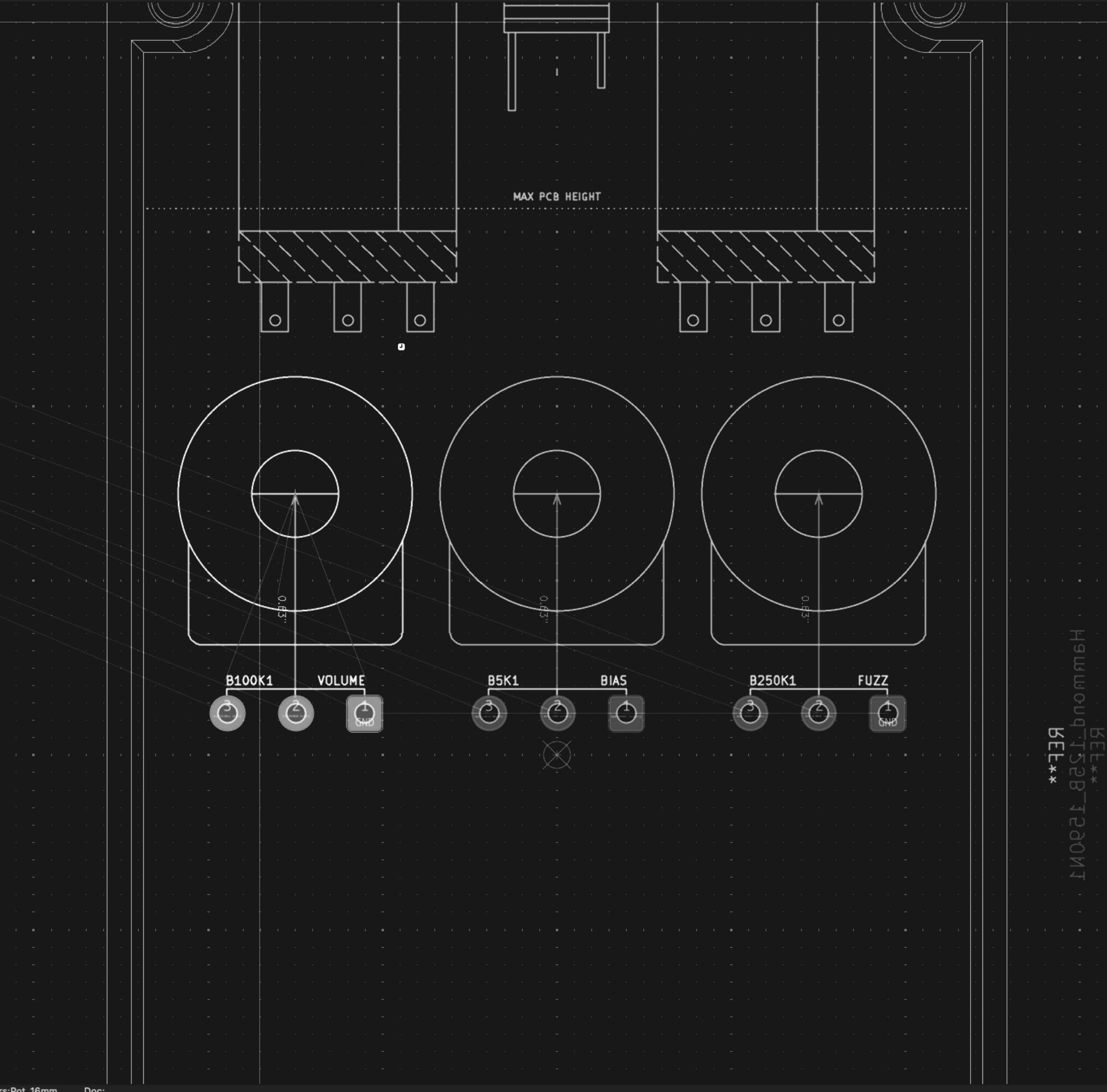
See the entire pedal before you order anything
Routing a board is only part of the job. Knowing exactly how that board will sit inside an enclosure, with jacks, pots, switches, and clearances accounted for, is what separates a painful build process from one that just works.
You will use a purpose-built toolset that lets you visualize the entire pedal before ordering a PCB, removing guesswork and preventing common enclosure mistakes.
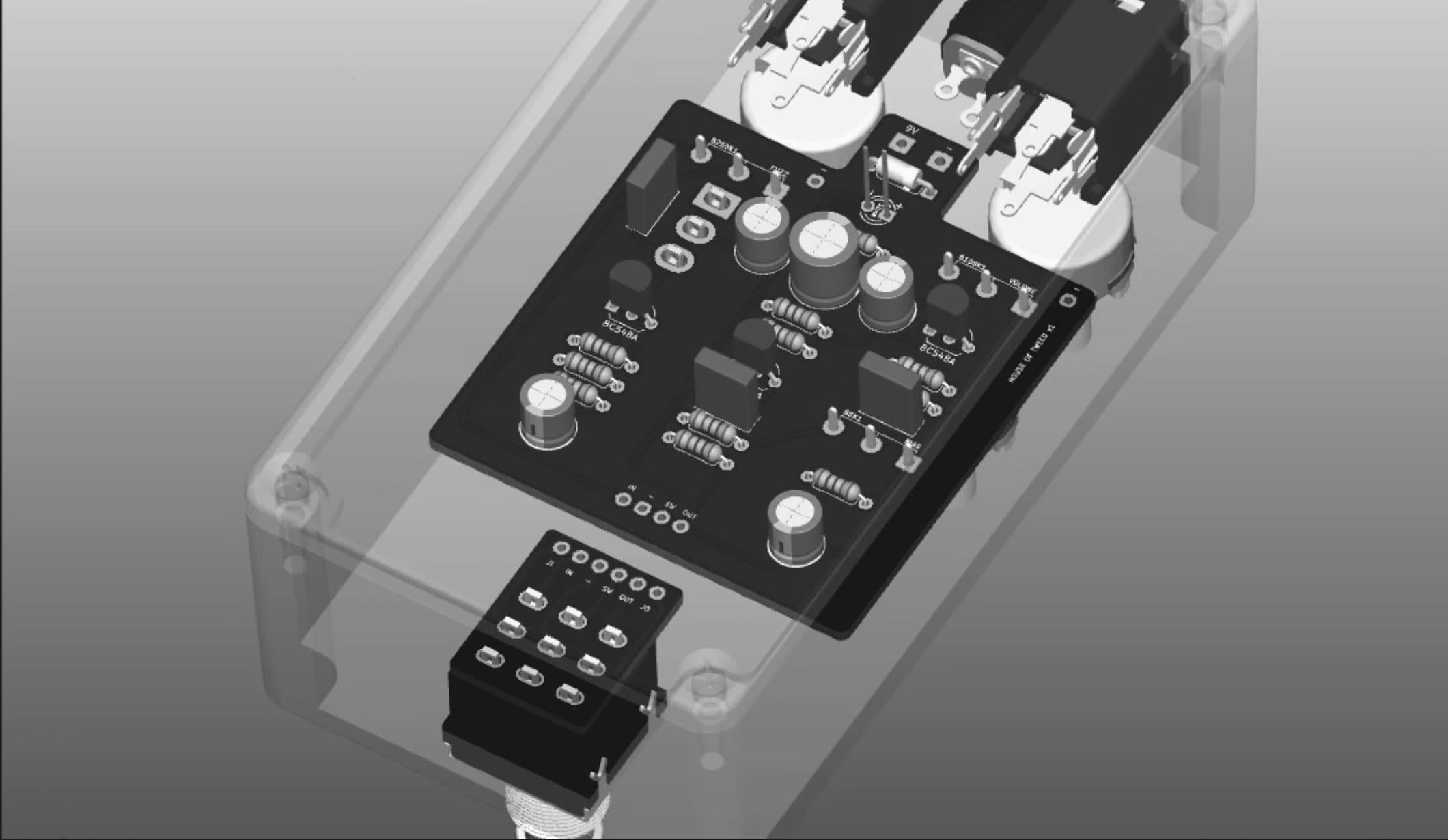
A toolset built specifically for guitar pedals
The workflow taught in this course is designed specifically around guitar pedals. There is nothing else available that makes it this easy to design PCBs with enclosure layout and control placement in mind from the beginning.
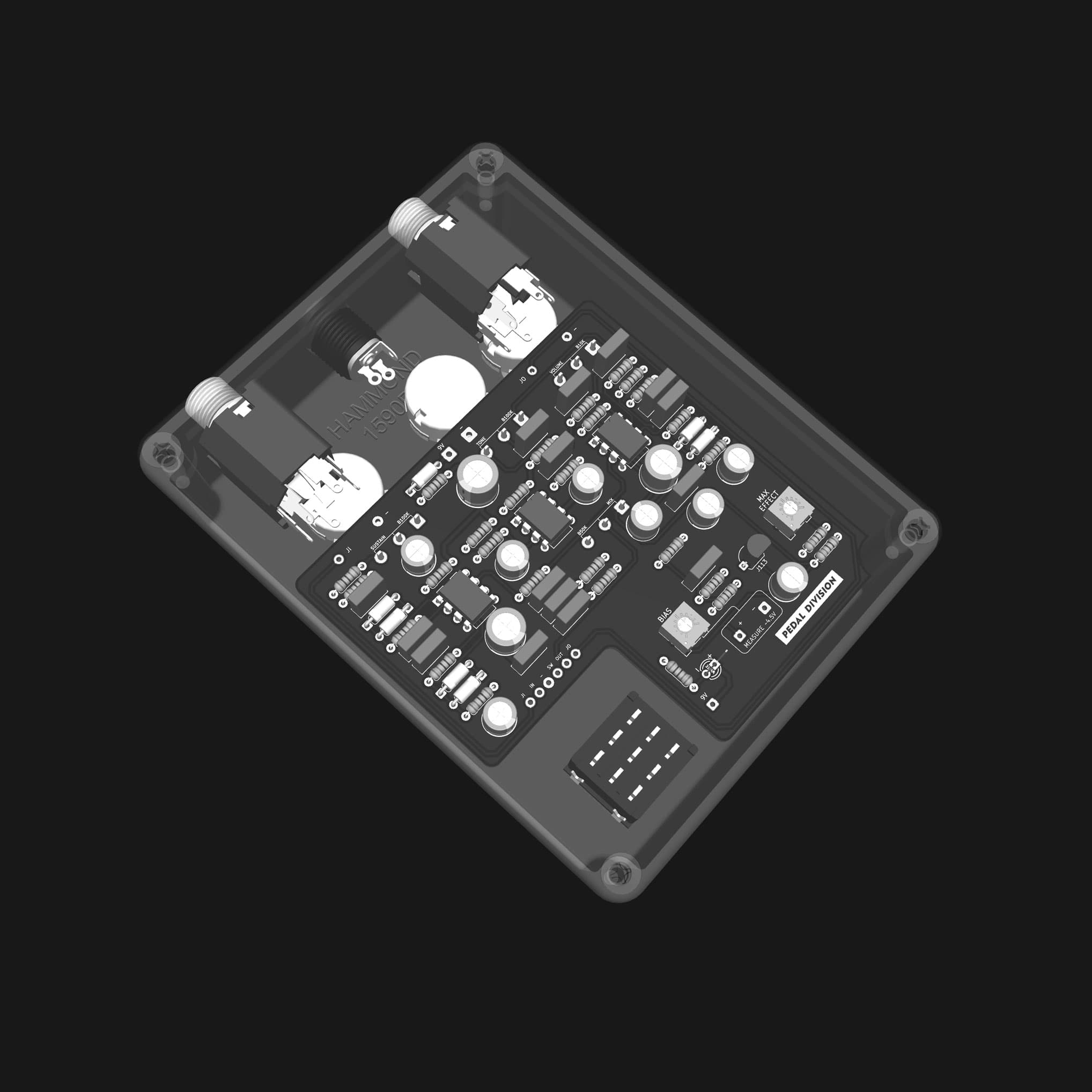
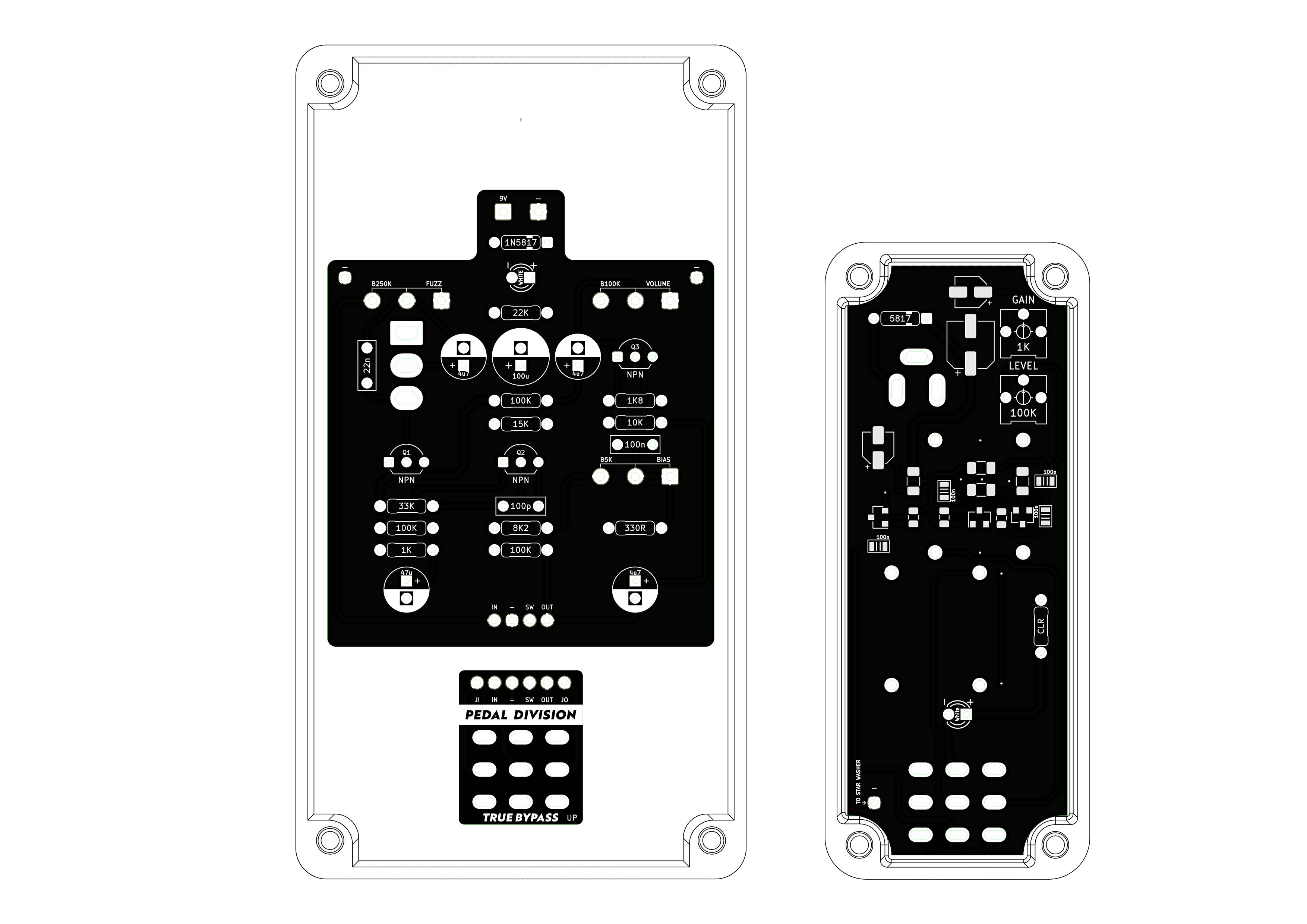
This same toolset is used to design everything from simple fuzzes to complex multi-board pedals. The example pictured here is a Big Muff 2 with a clean blend, perfect for bass players!
Professional level results without unnecessary complexity
You will learn the best practices that actually matter at a guitar pedal level, allowing you to design reliable, professional boards comparable to off-the-shelf pedal PCB vendors.
The course stays focused on pedal circuits and manufacturing, without diving into the extreme constraints faced by computer or smartphone designers.
Practical layouts and the freedom to build any pedal
Your layouts will be clean, readable, and easy to build, with an emphasis on function and reliability rather than obsessing over visual perfection.
The course starts with a Fuzz Face to ease you into the workflow, providing a skillset that can scale to anything from op-amp Big Muffs, to advanced effects like delays and reverbs.
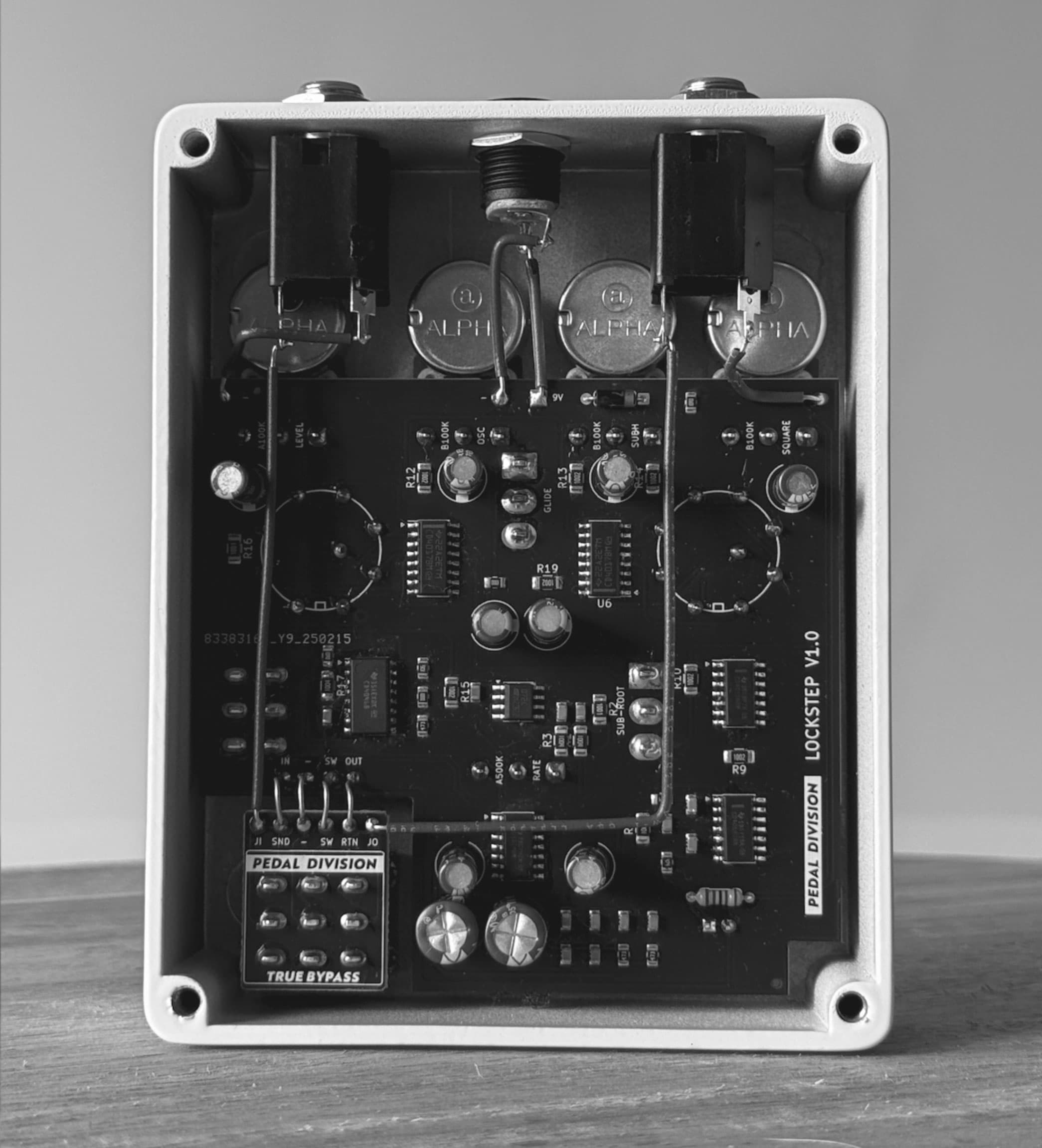
Faster builds with drill templates and surface mount options
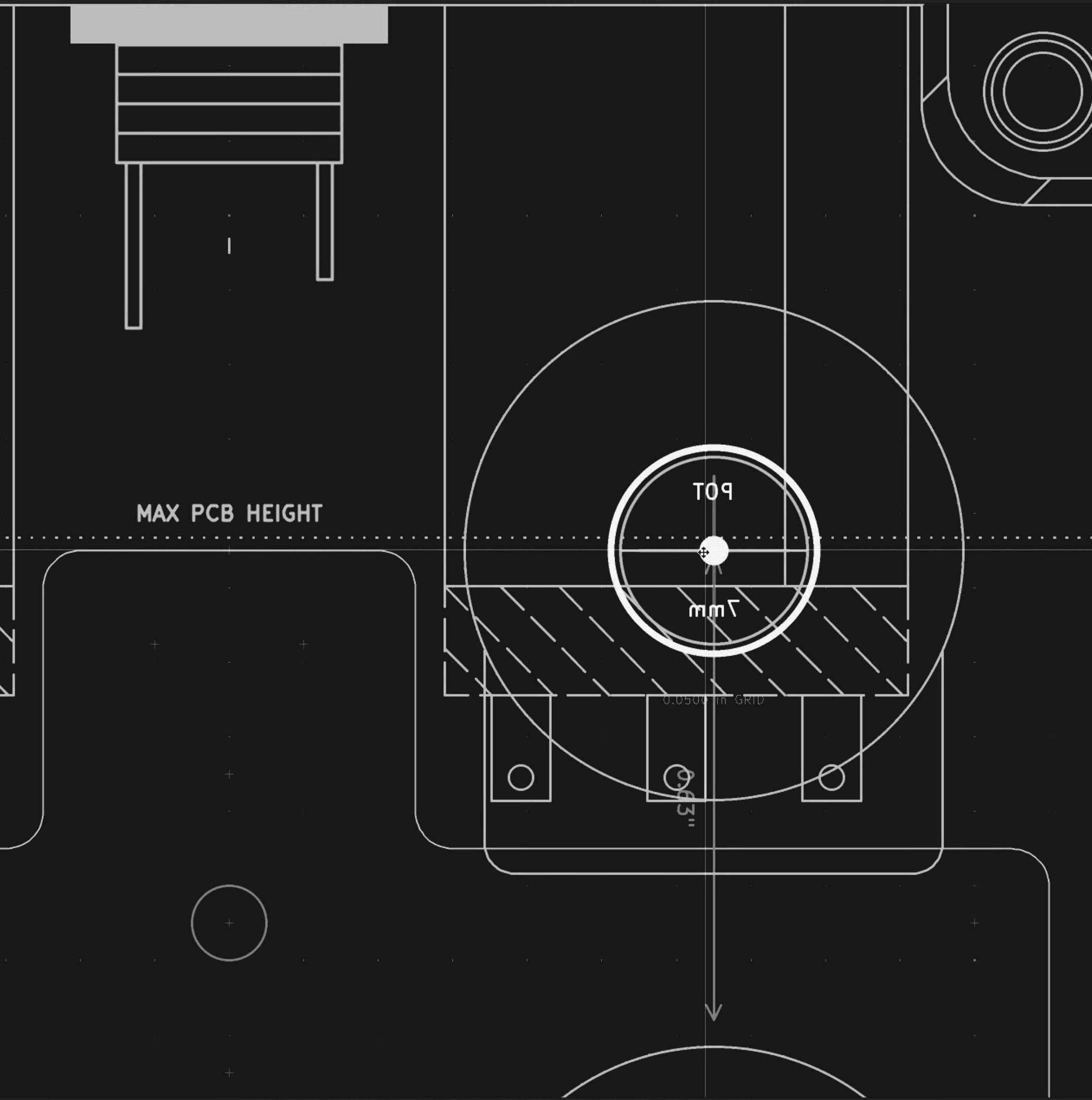
You will learn how to generate accurate drill templates automatically, without manually measuring or calculating anything, dramatically speeding up enclosure prep and alignment.
The course also shows you how to order surface-mount builds, so you are not limited to through-hole designs and can take advantage of modern manufacturing techniques.
The end result is a repeatable, reliable workflow for designing pedal PCBs that fit correctly the first time and are ready to build or manufacture with confidence.
Learn how to use PCBs as faceplates
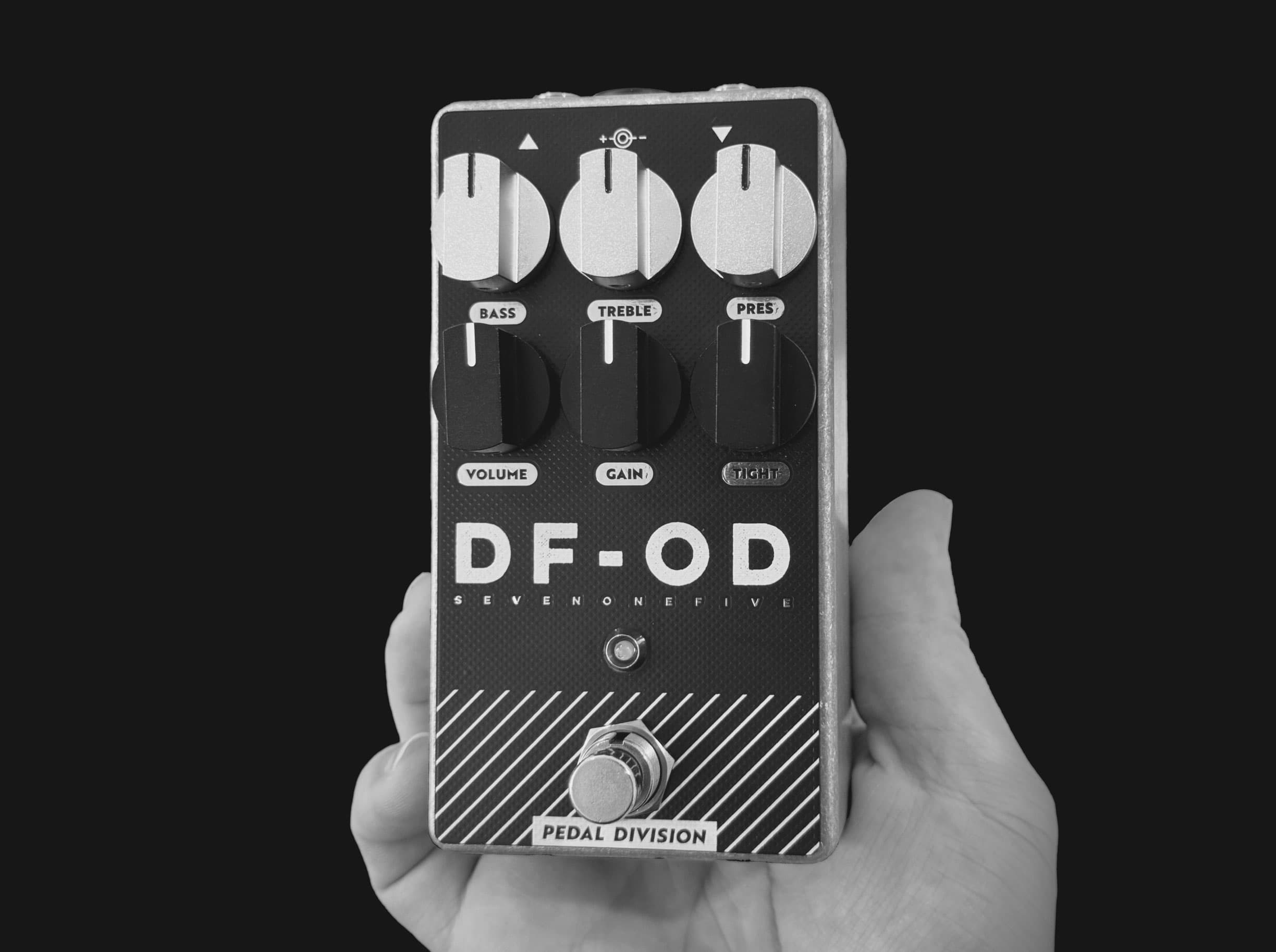
We push the limits on what PCBs can do as faceplates. From simple ready-to-go designs, to pulling the layers apart to expose different textures and colors.
You'd be surprised how many big-dog pedal companies simply use PCBs as faceplates. These are cheap, easy to design, and feel professional.
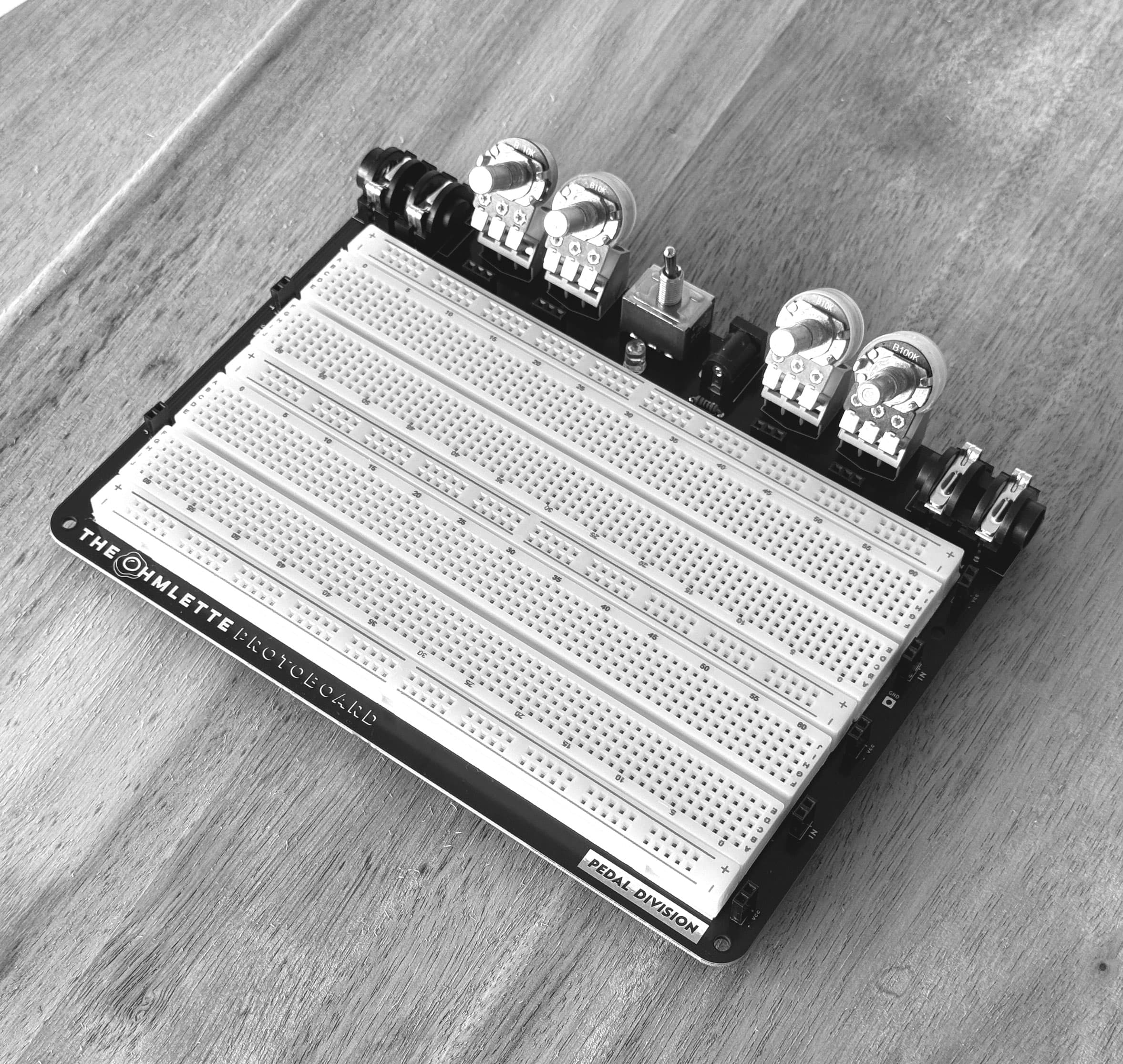
You also get The Ohmlette
Halfway through the course, you'll get the files to order the Ohmlette breadboard.
The Ohmlette rivals others out there in terms of features. Because you're getting the actual files to drag and drop into JLCPCB, building one is very affordable.